
Your Next Rank Start Here.
Choose your game, customize your service, and track everything from one place.
Choose Game
Select a supported game and explore the service that fits your goal.

Valorant
Services
Review service details and choose your next step
Start Order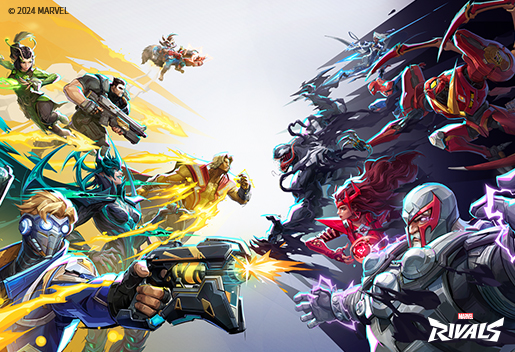
Marvel Rivals
Services
Review service details and choose your next step
Start Order
Overwatch 2
Services
Review service details and choose your next step
Start OrderHow It Works
A simple path from choosing a game to keeping your order updates in one place.
Choose game
Pick a game and the service you want.
Configure goal
Select ranks, region, and extras.
Chat privately
Keep order questions and updates in one private conversation.
Clear order flow
Trust & Safety
See the important details before you choose your next step, then keep questions and updates close at hand.
Clear service details
Review the game, goal, options, and quote before you continue.
Private order chat
Keep order coordination and updates in a private conversation.
Support visibility
Contact Support when you need help with a question or issue.
FAQ
Is boosting safe for my account?
Review the service details carefully and use private order chat for questions and updates.
How fast will my order start?
Timing depends on the game, selected service, and current availability.
Can I play during the order?
Yes, when the service supports it. Duo Queue lets you play with your booster, while other orders are coordinated in private chat.